Snap your child's schoolwork. Print more practice just like it.
Take a photo of a worksheet, this week's spelling list or tonight's homework, or paste the teacher's email. Snap to Practice works out what your child is learning, asks one or two quick questions, and makes new practice sheets on the same skill and level, with an answer key.
- Pre-K to Grade 3
- Spelling · reading · phonics · math
- US Letter or A4
- No account needed
Make practice sheets
- 1Snap
- 2Check
- 3Print
Snap or paste anything your child is learning
A worksheet, a homework page, a word list or the teacher's notes. Up to 3 pages at a time.
Got it as text? Paste the teacher's email or list
Or try it with an example
Real pages a parent might snap. They open straight away, with no photo needed.From one page to a week of practice
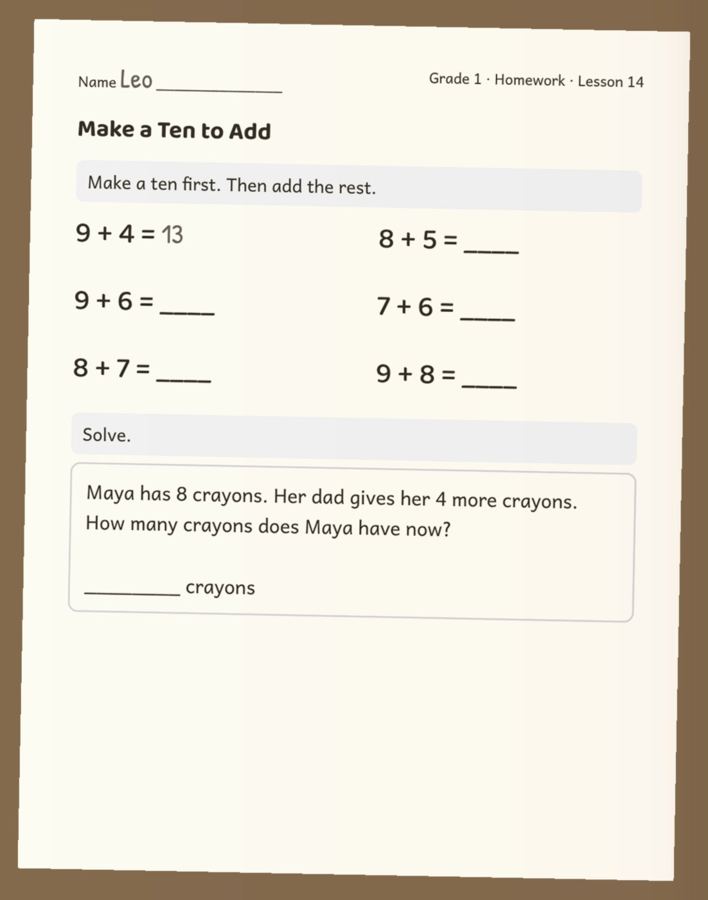
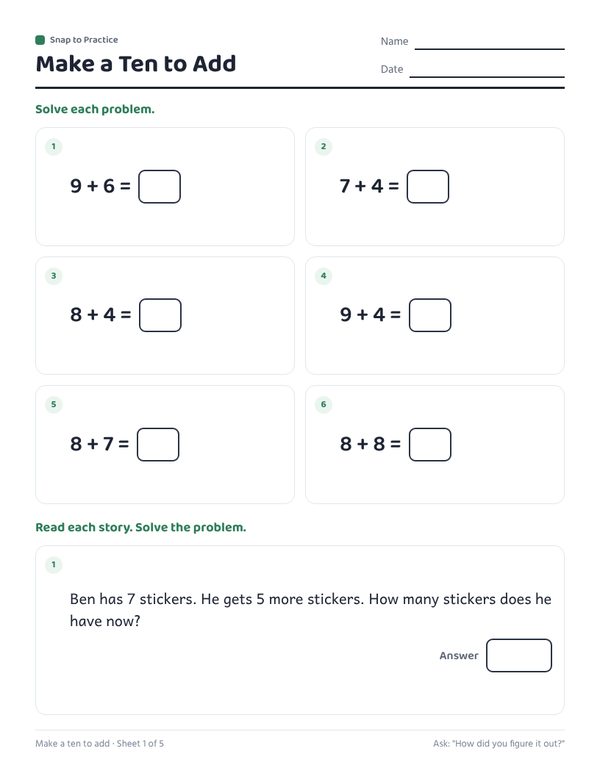
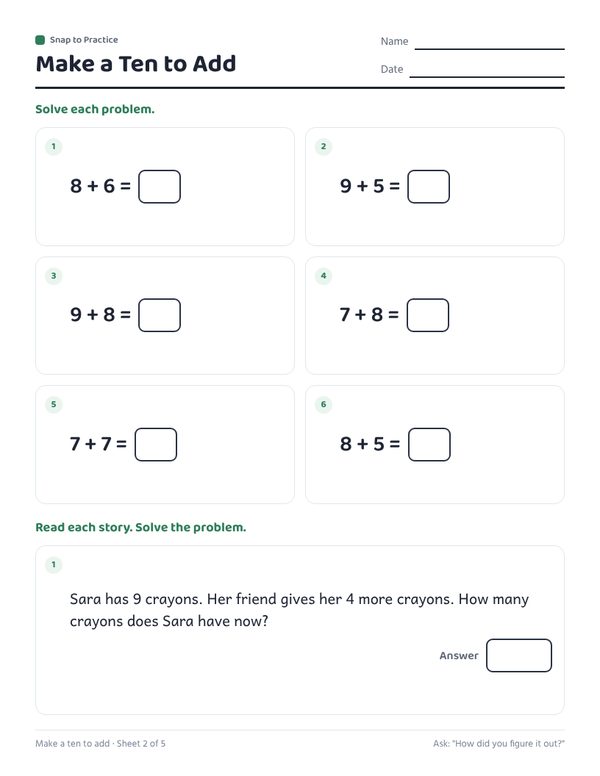
One homework page in, five sheets out: the same "make a ten" method and number range, plus new word problems.
How it works
- Snap or pasteTake a photo of the worksheet, homework or list, upload a PDF, or paste the teacher's email.
- Check what it readSee the subject, grade and skill it found. Answer one or two quick questions, pick how many sheets.
- PrintDownload a PDF on US Letter or A4, with your child's name on top and an answer key at the end.
What parents snap
Anything from Pre-K to Grade 3 that has a skill on it. Each of these has its own page with examples.
Why practice from the page, not a generic worksheet pack
Classes teach one method at a time. If the homework says "make a ten to add", a generic addition sheet that expects counting on can confuse a six-year-old more than it helps. A spelling pack with different words does not prepare anyone for Friday's test.
Snap to Practice starts from the page your child actually brought home. It keeps the same words, the same numbers and the same way of working, and only changes the questions, so every extra sheet is practice for what the class is doing this week.
How it keeps the answers right
Answers to number problems are worked out by the app itself, not by the AI. For word problems the AI writes the story and the number sentence; the app checks that every number in it comes from the story, then works out the answer. Words from a spelling or sight word list stay inside the list you snapped, and every question is checked for format and repeats before it is printed.
You still see everything before you print: what it read, the questions it asks you, and an answer key at the end.
Questions parents ask
Is it free?
You can try it free with no account. To keep it running, there is a daily limit on how many pages one person can read.
Does it work with handwriting?
Yes. Teachers' handwritten lists and notes in a planner or notebook work, as long as the photo is clear and the whole page is in the frame.
What grades is it for?
Pre-K, Kindergarten and Grades 1 to 3: spelling, sight words, phonics, reading comprehension and math up to times tables.
What happens to the photo?
It is sent to our AI provider to be read, and we do not store it. Your child's name stays in your browser. The privacy page has the details.
What if it reads the page wrong?
Tap "Not quite right?", say what to change (for example "these are subtraction problems" or "only the words in the box") and it reads the page again.
Can I print on A4?
Yes. Sheets default to US Letter in the US and A4 elsewhere, and you can switch before you make them.