More math practice, just like tonight's homework
Snap the homework page. Snap to Practice reads the skill and the number range, then makes new problems the way the class is learning them, with an answer key the app works out itself.
- Same method as the class
- Same number range
- Answers worked out by the app
Make practice sheets
- 1Snap
- 2Check
- 3Print
Snap the math homework
A homework page, a classwork sheet or a page from the math book.
Got it as text? Paste the teacher's email or list
Or try it with an example
Real pages a parent might snap. They open straight away, with no photo needed.From one page to a week of practice
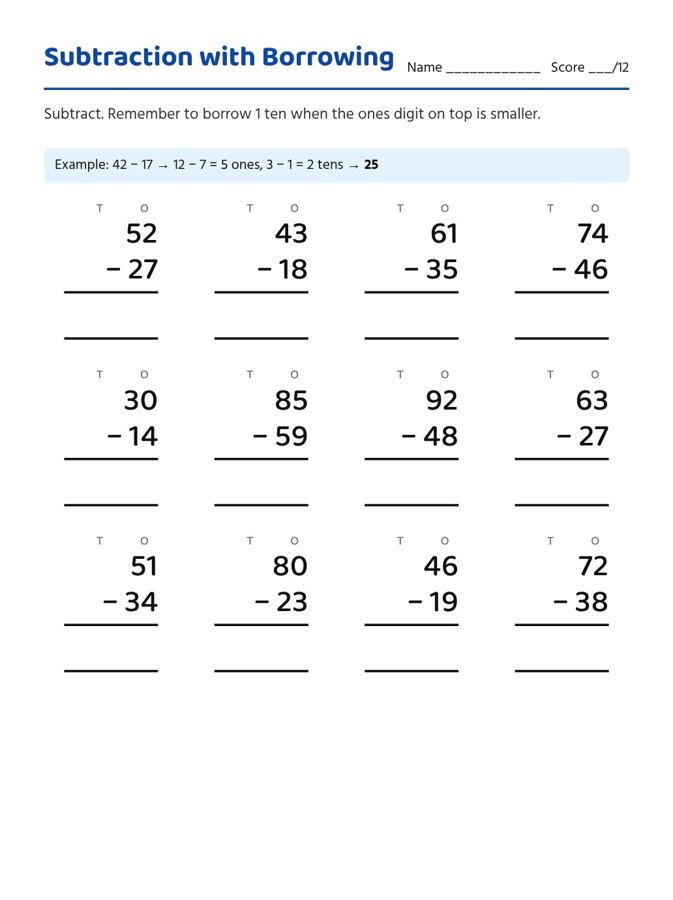
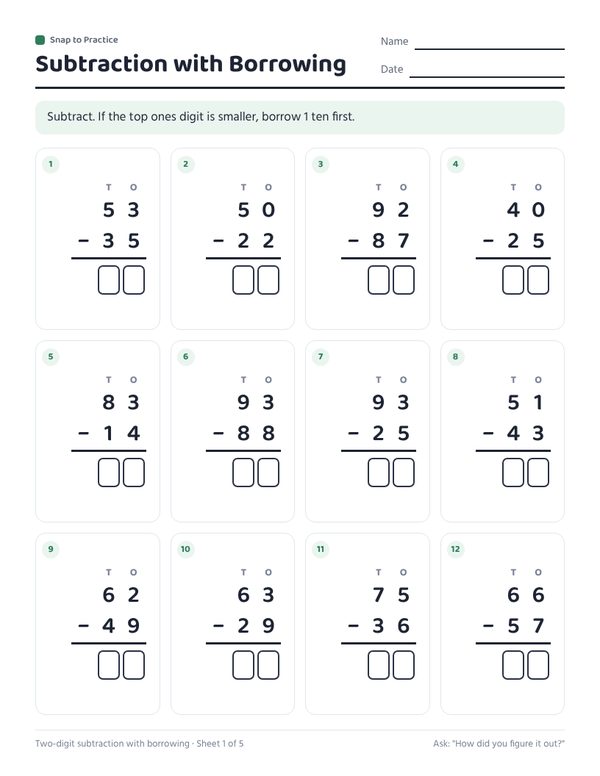
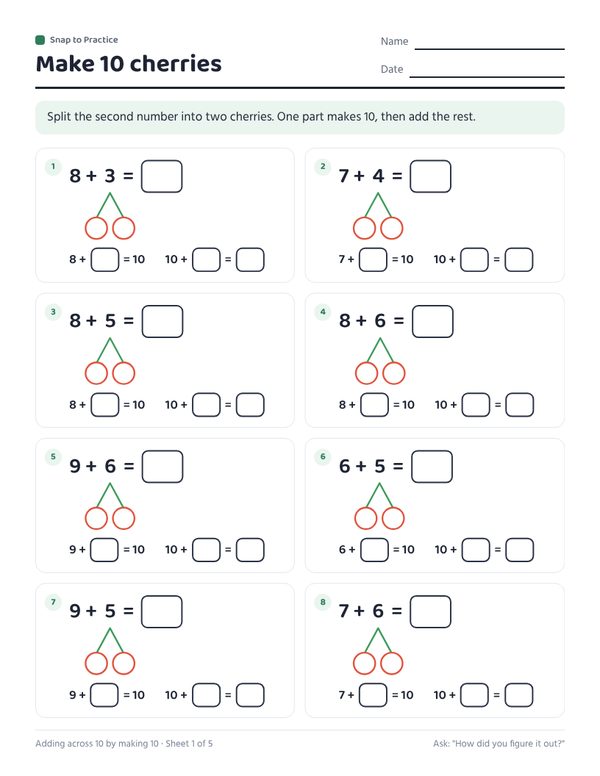
Left: from a Grade 2 regrouping worksheet. Right: from a "make 10" number bond sheet. Every answer is computed by the app.
How it works
- Snap or pasteTake a photo of the worksheet, homework or list, upload a PDF, or paste the teacher's email.
- Check what it readSee the subject, grade and skill it found. Answer one or two quick questions, pick how many sheets.
- PrintDownload a PDF on US Letter or A4, with your child's name on top and an answer key at the end.
The same method as the class
If the page uses number bonds, the new sheets draw number bonds. If it says "make a ten first", the problems all cross ten. If it is two-digit subtraction with regrouping, every problem needs regrouping. Choose "same skill, mixed formats" to add other ways of practicing the same skill, such as number lines, ten frames or word problems.
Answers you can trust
Answers to number problems are computed by the app, not written by the AI. For word problems the AI writes the story and the number sentence; the app checks that every number in it comes from the story, then works out the answer itself. Skim word problems before printing, as you would any worksheet.
Math pages that work
- Addition and subtraction
- Within 10, 20 and 100, with or without regrouping.
- Make a ten and number bonds
- Cherry and bond diagrams, ten frames, doubles.
- Number sense
- Missing numbers, counting on, number lines, comparing numbers, tens and ones.
- More
- Telling time, skip counting, word problems, and times tables for Grade 3.
Questions parents ask
Will it teach a different method from the class?
No. It keeps the method on the page you snap. If the page draws number bonds, so do the sheets.
Can I make it easier or harder?
Yes. Pick "Easier" or "Harder" on the check screen. The numbers move a step, the skill stays the same.
Does it follow Common Core?
It follows your child's page, whatever program the school uses. Skills like "make a ten" and regrouping come straight from the homework.
Is there an answer key?
Yes, on the last page. Answers to number problems are worked out by the app.